Most shops have never actually heard what an AI answering service sounds like answering a lockout call. So when they evaluate one, they're guessing.
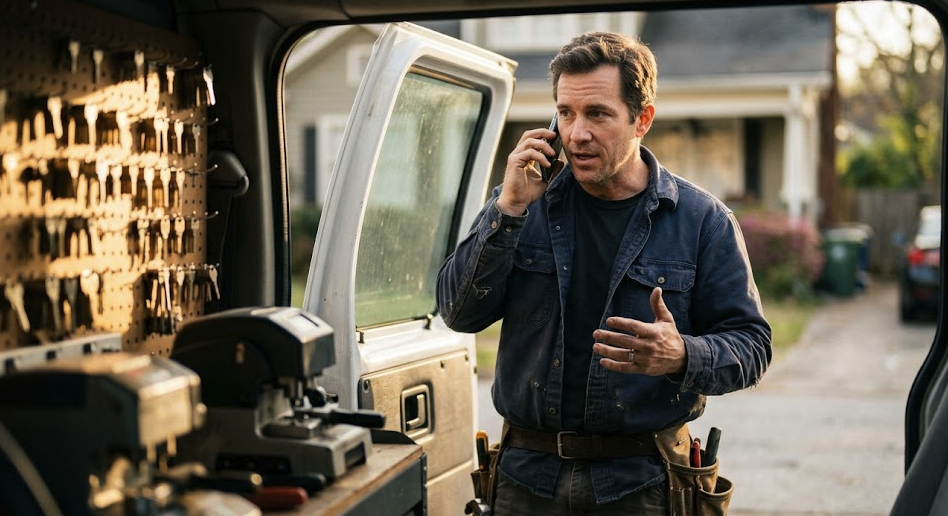
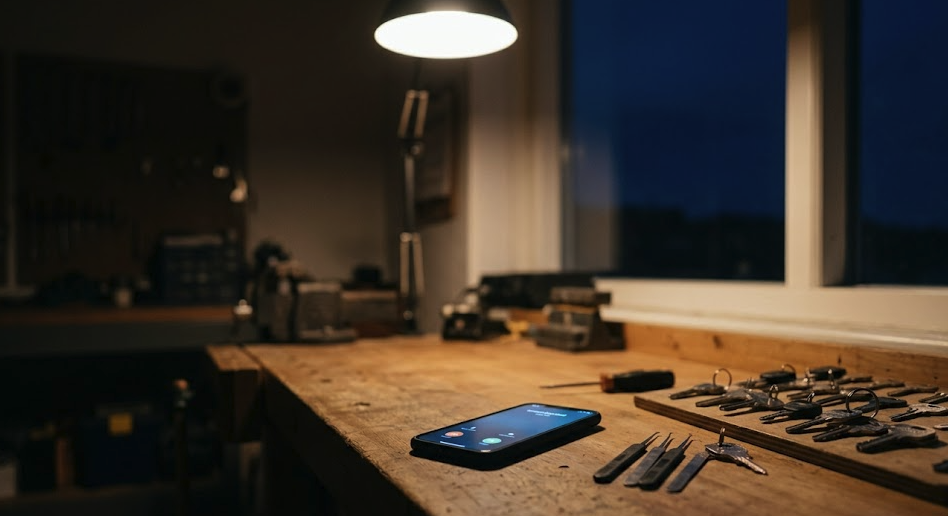
This is what actually happens, step by step, when someone calls your shop locked out at 11 p.m. and a tuned AI receptionist picks up.
Your phone forwards to the AI after two rings (or instantly, depending on how you set it up). The AI answers within the first second of pickup.
Greeting goes out: "Smith's Locksmith, this is your virtual dispatcher. How can I help you?" — using your business name, not a generic call-center line. The voice sounds natural. Most callers don't notice it's AI.
"Hi, yeah, I'm locked out of my house. I'm on the front steps."
This is where a bad system loses the call. It treats "locked out" as a generic intent, asks for a name and number, and says "we'll get back to you."
A good system — like Vallo — recognizes this is a lockout and switches into the right triage path immediately.
The AI asks the four questions that matter for a lockout, in order:
If the answers point to anything genuinely urgent — child locked in a car, medical situation, anyone in obvious distress — the AI transfers to you directly. No booking, no scheduling, just a live ring on your cell.
Assuming it's a standard residential lockout in your service area, the AI checks your calendar in real time. Your nearest open slot is in 35 minutes. The AI says:
"Okay, I've got a tech available in about 35 minutes for a house lockout at [address]. The rate is $175 for after-hours residential. Does that work?"
The customer says yes. The AI confirms the appointment, books it directly into your calendar (Housecall Pro, ServiceTitan, Google Calendar — whatever you've connected), and texts the customer a confirmation with a tracking link.
Total call length: 1 minute 40 seconds.
The AI immediately sends you a recap in the format you set up — usually a text and an email:
You see it on your phone, finish your current job, and head to the next one. No callback chain. No texting back and forth to confirm an address. The job is booked.
Without this kind of coverage, the call goes one of three ways:
None of these book the job as fast or as cleanly as the AI does in this scenario.
It's worth being honest about the limits.
It doesn't replace you on truly weird calls. If a customer needs a 1972 Chevy transponder key cut at midnight, the AI transfers to you because that's not a standard call. That's the right call.
It doesn't handle commercial accounts with custom contracts. If you have a property management company that has specific terms — different rates, after-hours premiums, specific dispatch protocols — those should still ring you directly.
It doesn't reduce the number of jobs you have to actually do. It just makes sure the jobs that come in actually get booked.
Less than you'd think.
For Vallo, setup runs about five minutes. Most shops are live the same day they sign up.
The 11 p.m. lockout call is the canonical test for any answering service. If a service can't book that call cleanly — in your voice, with your pricing, on your calendar — it doesn't matter what else it does.
If you want to hear how Vallo handles the call, start a free trial. You can test it on a real call yourself in five minutes.